Strong password practices are essential for press freedom. Journalists, editors, and media organizations are frequent targets of hacking, surveillance, and digital harassment. Poor password hygiene can expose sources, compromise investigations, and put lives at risk.
This guide provides practical, research-backed advice for journalists, with a focus on habits and tools that reduce risk without requiring advanced technical knowledge.
Why password management matters for journalism
Journalists store sensitive information across email accounts, cloud services, messaging apps, CMS platforms, and social media. A single compromised password can:
- Expose confidential sources and whistleblowers.
- Lead to account takeovers and impersonation.
- Enable surveillance of communications.
- Result in censorship, legal pressure, or physical risk.
Studies show that poor password practices are a leading cause of account breaches (Verizon, 2023 Data Breach Investigations Report).
Common password mistakes to avoid
Many security breaches happen due to predictable errors:
- Reusing passwords across multiple services.
- Using short or simple passwords.
- Relying on personal information (names, birthdays, locations).
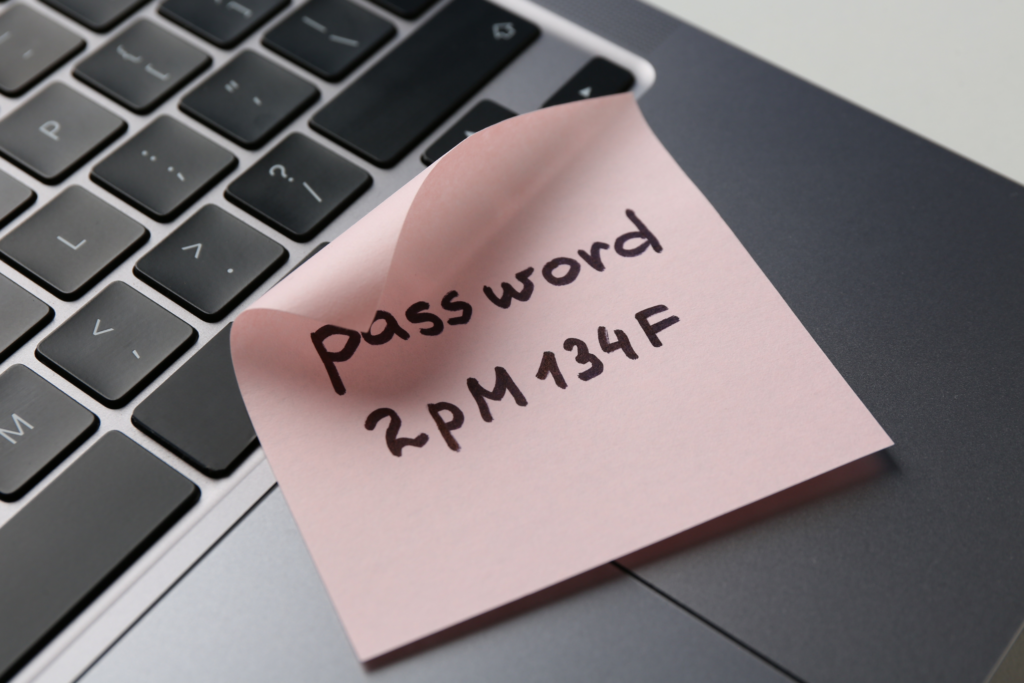
- Storing passwords in browsers or plain text files.
- Sharing passwords via email or messaging apps.
Research by the National Cyber Security Centre (NCSC) highlights that password reuse significantly increases the risk of compromise.
What makes a strong password?
A strong password should be:
- Long: at least 14–16 characters.
- Unique: never reused across accounts.
- Random: not based on dictionary words or patterns.
- Unpredictable: no personal or professional references.
Passphrases: A better alternative
Instead of complex short passwords, use passphrases, a sequence of unrelated words:
Example: river-candle-orbit-mango-lens
Passphrases are easier to remember and harder to crack, as supported by research from Carnegie Mellon University’s CyLab (2022).
Use a password manager (This is essential)
Password managers securely store and generate strong, unique passwords for every account. Benefits include:
- Automatic password generation.
- Encrypted password storage.
- Secure syncing across devices.
- Alerts for reused or compromised passwords.
Recommended practices:
- Protect your password manager with a strong master passphrase.
- Enable two-factor authentication (2FA) on the manager.
- Avoid browser-only storage without a dedicated manager.
Studies by Google (2023 Security Blog) show that using a password manager reduces the risk of account compromise by over 50%.
Enable two-factor authentication (2FA)
2FA adds a second layer of protection beyond your password. Enable 2FA on:
- Email accounts
- Cloud storage
- Social media platforms
- CMS and publishing tools
- Password managers
Prefer stronger 2FA methods such as authentication apps or hardware security keys. Avoid SMS-based 2FA when possible, as SIM swapping attacks are common (ENISA, 2022).
Account prioritization: Where to start
If time or resources are limited, secure these accounts first:
- Password manager
- Messaging apps for sources
- Cloud storage and collaboration tools
- Social media and publishing platforms
A breach in any of these accounts can cascade into wider compromise.
Password sharing in newsrooms
Shared accounts increase risk. Best practices:
- Avoid shared passwords.
- Use role-based access and permissions.
- Utilize secure password-sharing features within password managers.
- Revoke access immediately when staff leave, or roles change.
What to do if a password is compromised
If you suspect an account breach:
- Change the password immediately
- Log out of all active sessions
- Enable or reset 2FA
- Check account activity and recovery settings
- Update passwords on any other accounts using the same credentials
Speed matter delayed action increases potential harm.
Password management in high-risk contexts
Journalists under surveillance should take additional precautions:
- Use a separate password manager profile for sensitive work.
- Regularly audit and rotate critical passwords.
- Combine password security with encrypted devices and communications.
- Avoid logging into sensitive accounts on shared or public computers.
Final recommendations
Good password management is about reducing risk through consistent habits. Small changes, such as using a password manager and enabling 2FA, can dramatically improve digital safety. For journalists, protecting accounts is inseparable from protecting sources, stories, and the public’s right to know.
Sources and references used in this guide:
- Verizon, 2023 Data Breach Investigations Report
- National Cyber Security Centre (NCSC), Password Guidance, 2023
- Carnegie Mellon University, CyLab Research, 2022
- Google Security Blog, Password Manager Impact Study, 2023
- ENISA, Two-Factor Authentication Recommendations, 2022